
The Zimbabwe Revenue Authority (ZIMRA) hereby reminds all its registered taxpayers to update Master Data on all changes to the Registration details which are in the ZIMRA database. This is according to section 61 of the Income Tax Act [Chapter 23:06] and Section 25 of the Value Added Tax Act [Chapter 23:12]. Every business is required in terms of the Law to update its Master Data on company details should there be changes thereto. Master data includes Email Address, Telephone and Cell Phone numbers, Physical Addresses, Industry Type and Public Officers’ information. Taxpayers are also required to update Branch details or register new Branches in TaRMS when they have been formed.
A: HOW TO UPDATE MASTER DATA
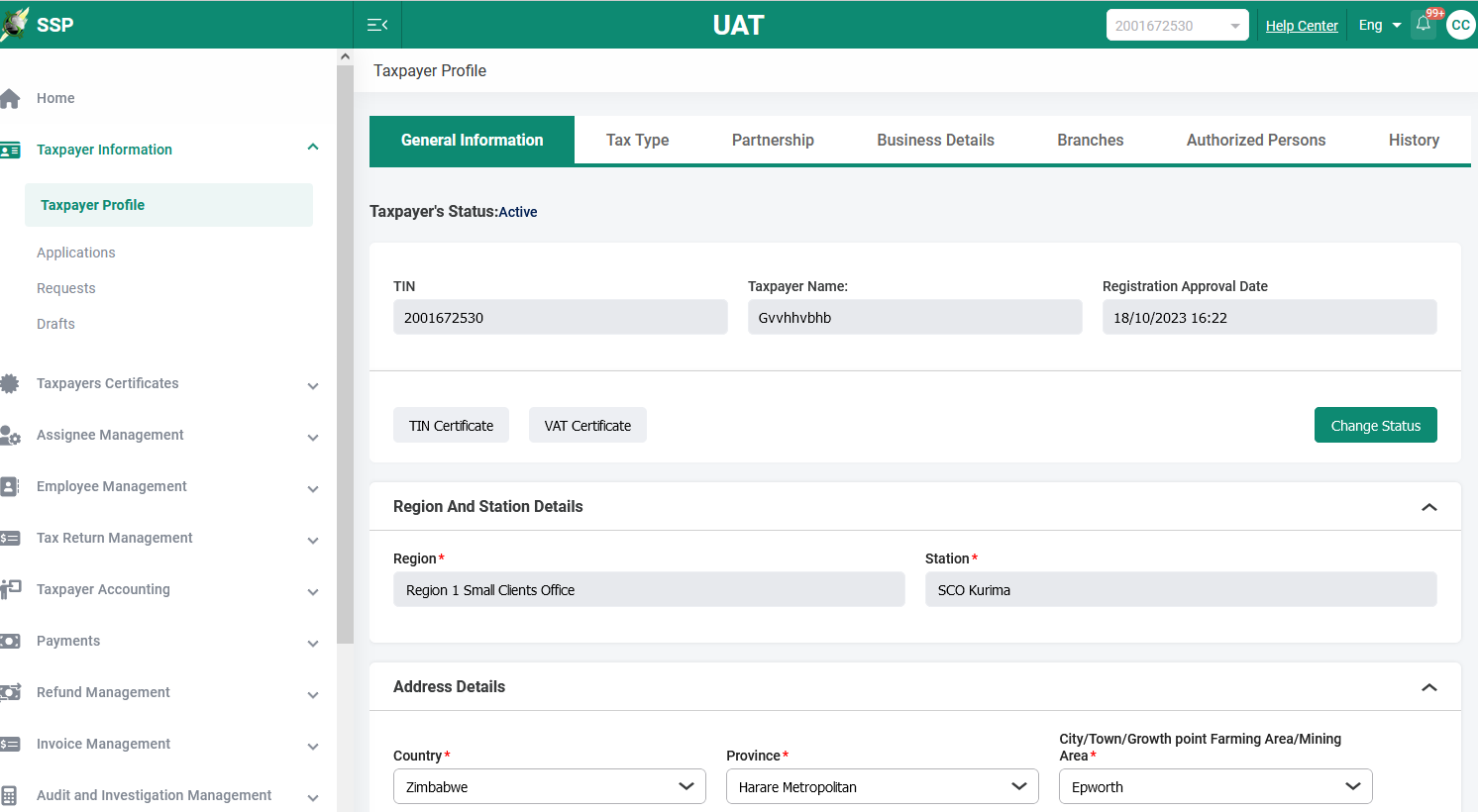
- Log on to TaRMS and go to Taxpayer Information and proceed to Taxpayer Profile
- Select the page on which you want to update or edit details e.g. General Information, Business details, Authorized persons or Personal details if the Taxpayer is an individual.
- Complete or edit the required fields
 |
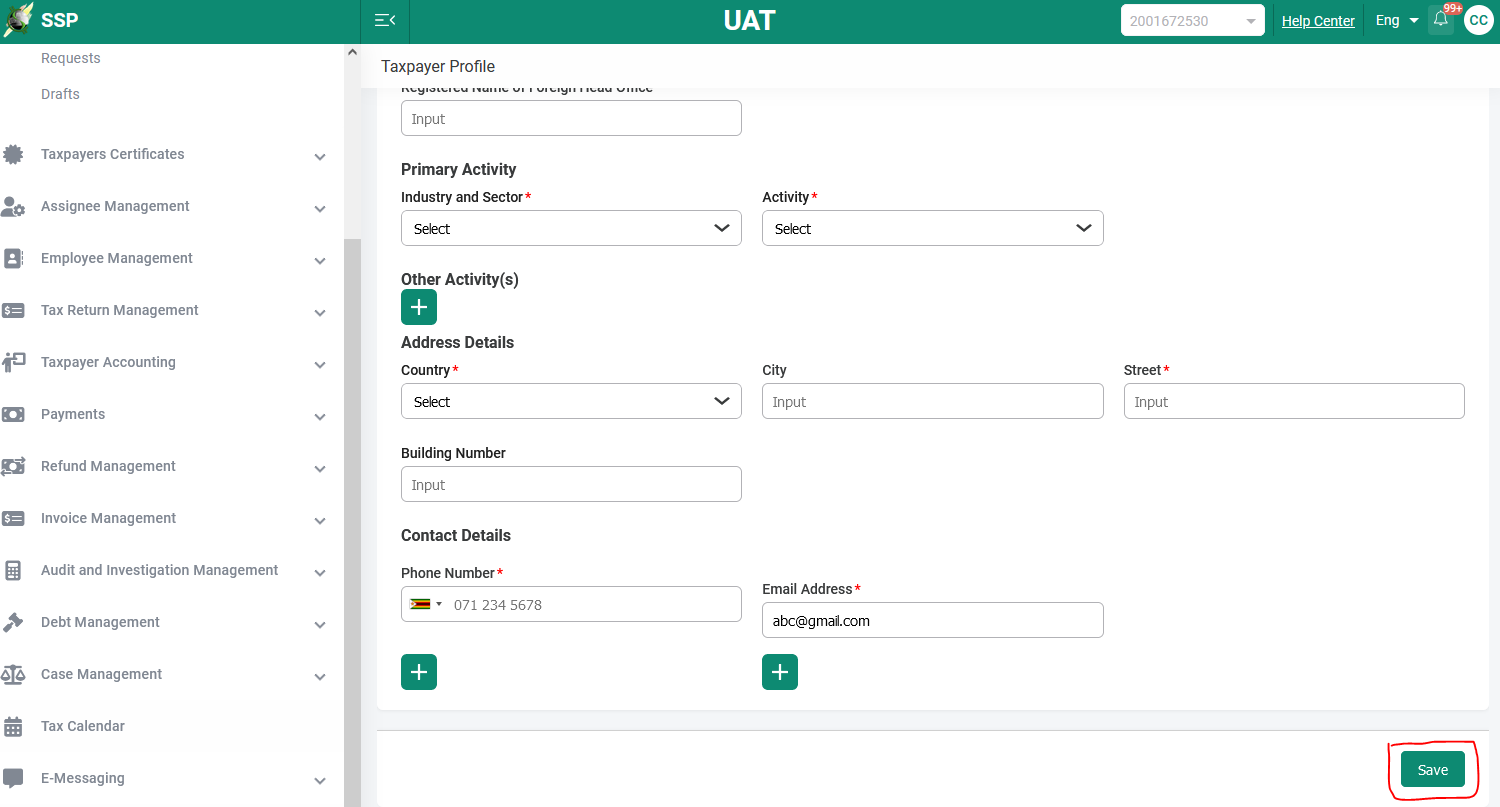
4. After completion, click Save
 |
B: HOW TO REGISTER BRANCHES
- Log on to TaRMS and go to Taxpayer Information and proceed to Taxpayer Profile
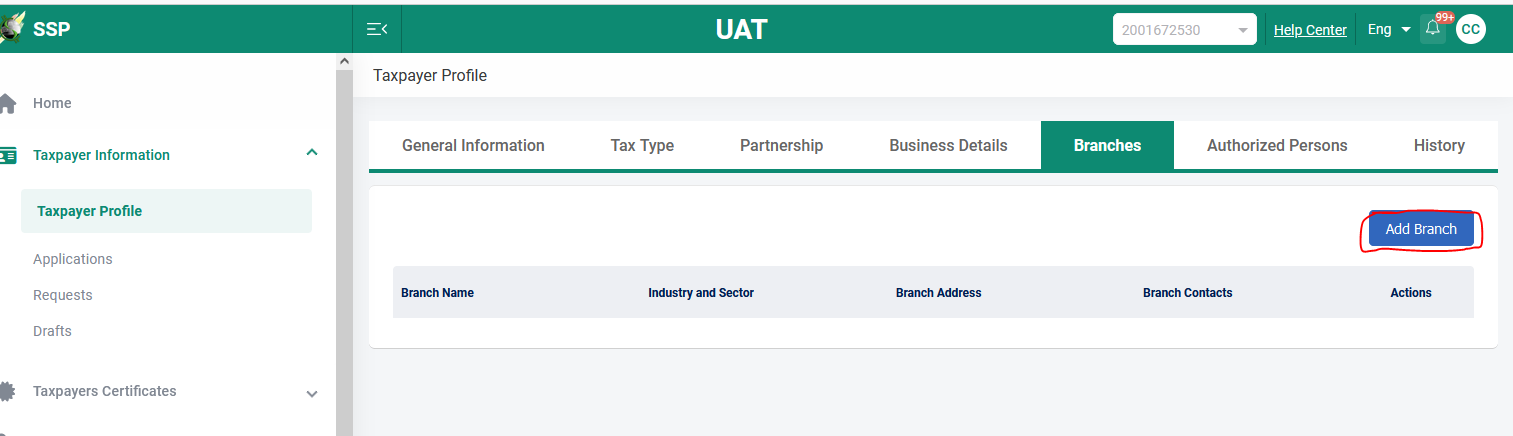
- Select the page written ‘Branches’ and Click ‘Add Branch’, the system will open the fields to capture branch details
 |
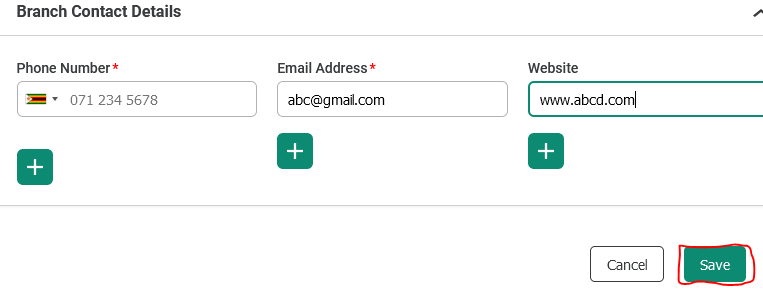
3. Complete the required fields and Save
 |
NB: PLEASE NOTE THAT ONLY THE OPEN FIELDS ARE EDITABLE, TO CHANGE DETAILS FOR FIELDS THAT ARE NOT EDITABLE CONTACT ZIMRA FOR ASSISTANCE
For further information or assistance, contact your nearest ZIMRA office or the ZIMRA Contact Centre.
Taxpayers are advised to comply with all regulations